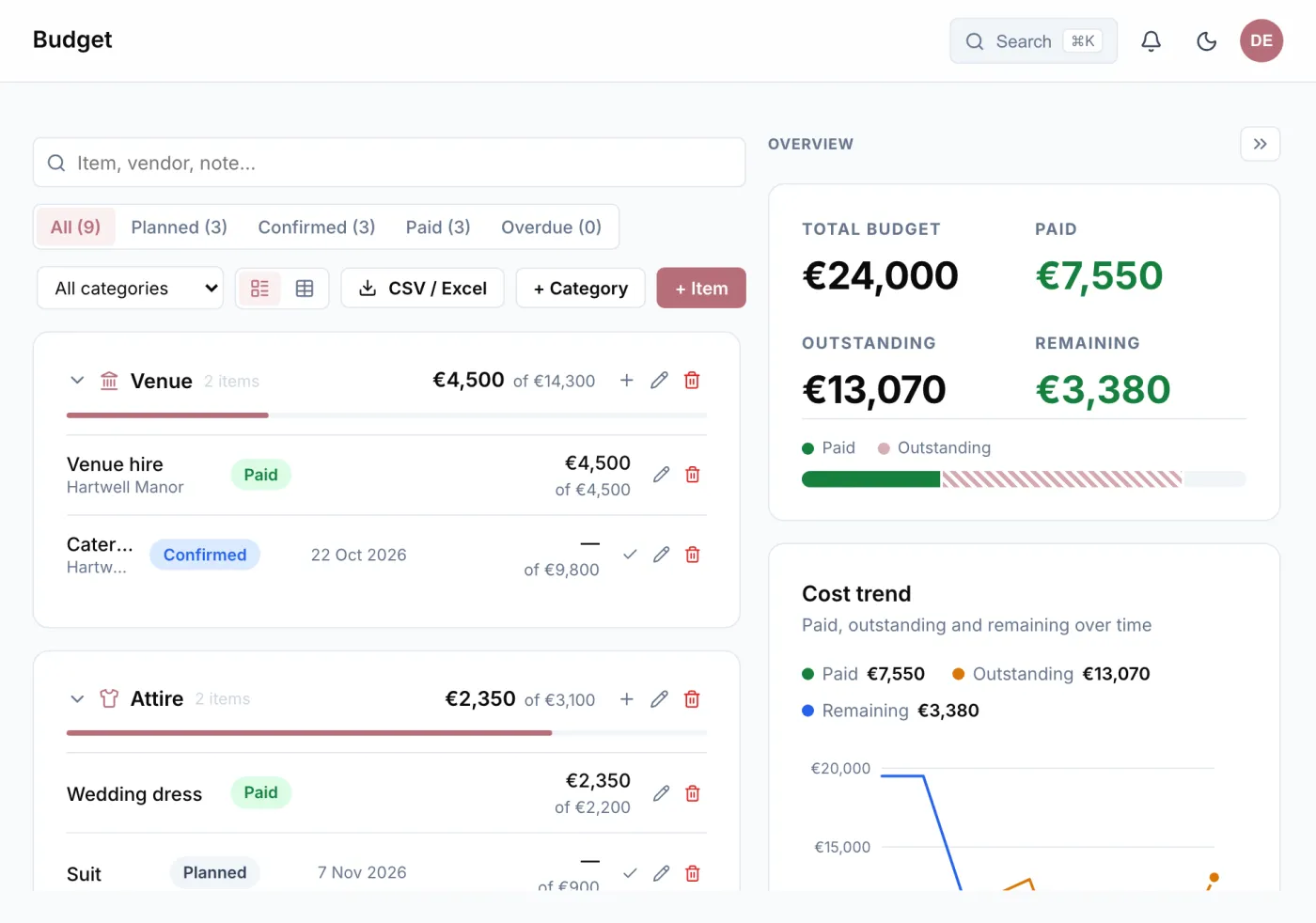
Categories, items and two amounts
You set up categories, such as venue, catering, music and decoration, and the individual items within them. Every item has two amounts: what you planned for and what it actually costs. The difference shows early where the budget is tipping, and not only when the last invoice arrives.
The table works like a spreadsheet: click a cell and type, move on with Enter and Tab, undo with Ctrl/⌘+Z. Rows from Excel paste straight in. If you are missing a column, you add your own, as text or as a number with a total.
Deposits, instalments and due dates
Hardly any vendor is paid in one go. So for every item you enter the individual payments: the deposit when the contract is signed, an instalment a few weeks before, the rest after the party. An item counts as paid as soon as the payments cover the amount.
Every payment can have a due date, and Wedding Buddy reminds you beforehand. How many days before is up to you. The overview shows how much is paid and how much is open, where the money goes and what is due when.
Price per person
Menu and drinks cost per head. Enter the price per person and the amount follows your guest list: if six more guests accept, the item goes up by itself. The count is either everyone who has not declined or only those who have accepted.
Who contributes what
If parents or grandparents are chipping in, you record under “Contributors” who gives how much. So beside the costs you also see where the money comes from.
Linked to the rest of your planning
You link an item to the vendor it concerns, and attach contracts, quotes and invoices as files. Then everything about a booking is in one place.
And because a budget is not everybody’s business: you decide per person who in the planning team may see the numbers. In their role, the best man and maid of honour plan along without seeing the budget.