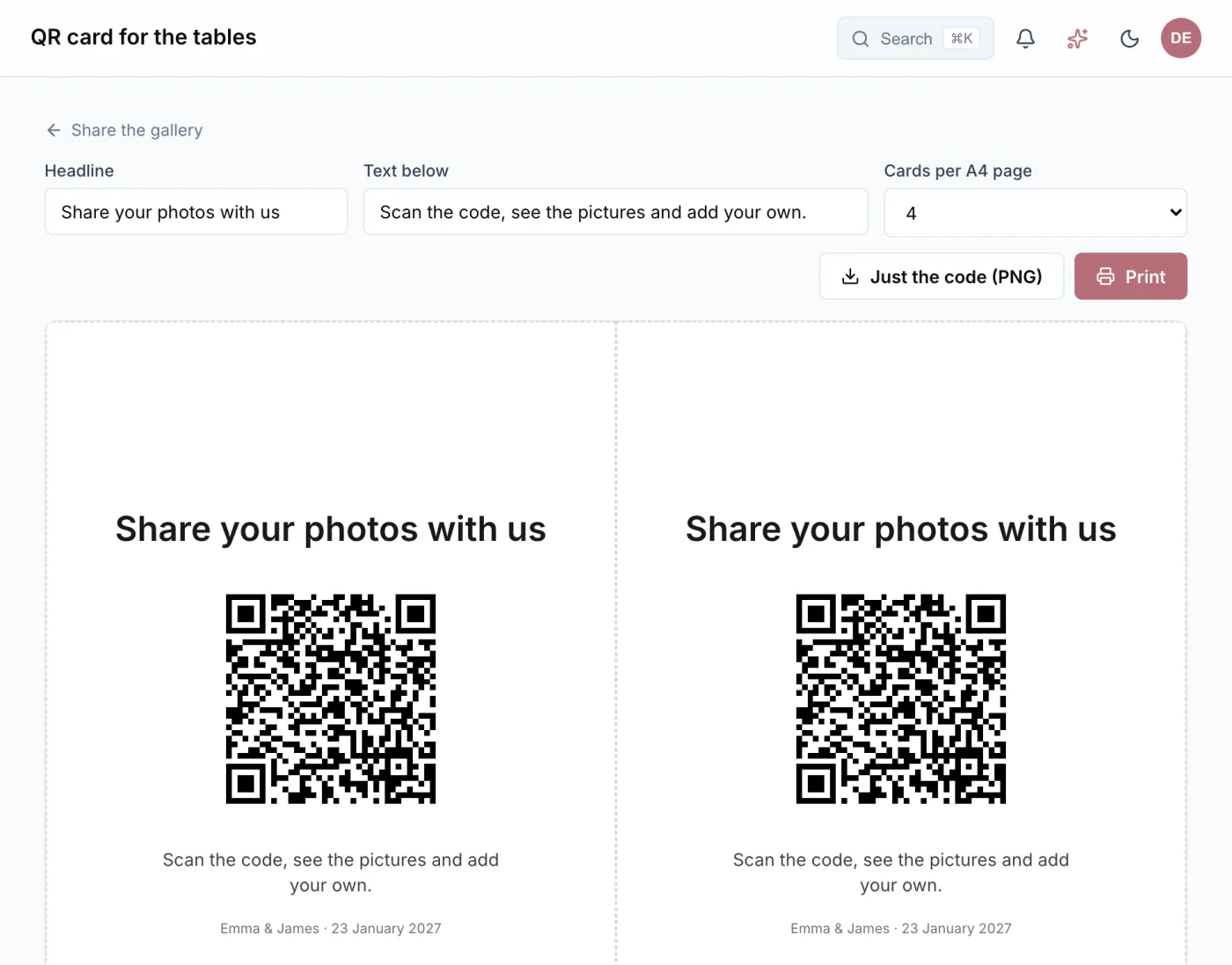
One link, one QR code, no app
Your gallery has a link of its own. Whoever has it sees the photos and adds their own: in the browser, without an account and without installing anything. It shows them the gallery and nothing more.
A QR code goes with the link, and Wedding Buddy turns it into cards for the tables. You write the heading and the text yourselves, and one, two or four cards print on a page. With a card on every table, the first photos arrive while the party is still going.
Protected if you want it
A password protects the gallery as well, and your guests enter it only once. If the link has reached someone who should not have it, you withdraw it: the old link and its QR code stop working, and you hand out a new one.
Look at the photos and save them
Guests can write you a message with each photo, which only you see. You download single pictures as you like. “Save all” gives you the whole album as a zip file, in several parts for a very large gallery.
You upload photos yourselves too, your photographer’s pictures for instance. That way your guests see not only their own snapshots but the official shots as well.
Storage and how long photos are kept
How many photos fit depends on the size of your wedding: about 1,200 with the Small celebration (5 GB), 5,000 with the Big celebration (20 GB) and 12,000 with the Royal wedding (50 GB). If storage is running low, Wedding Buddy tells you in good time. You then move up to the next size and pay only the difference.
The photos are kept for 12 months after the wedding day, and for 24 months with the Royal wedding. Before they are deleted, we remind you three times by email. Everything else stays: guest list, budget, files and seating chart.